Page layout in your browser
Bulletins, newsletters and flyers that look professionally made
Acta is a desktop publishing app that runs in your browser. Text flows through columns and pages and wraps around your pictures, your whole team can work on the same page at once, and what you print is exactly what you see.
Free for one editor. No card needed. Nothing to install.
Comments
Priya Raman
Can the subhead say “six hundred shrubs”? That’s the number from the club.
Sam Kim
Done, and the story still fits.
Tasks
Photo of the boardwalk
Proofread the calendar
Priya · due Thursday
Microsoft has retired Publisher. Your bulletin doesn’t have to stop.
Acta opens Publisher (.pub), Word (.docx) and PDF files with their text, pictures and shapes, so you can pick up this week’s issue where you left off.
Features
Everything a printed page needs
The layout tools of desktop publishing software, the ease of a word processor, and a team that can work on it together.
Text that flows like print
Type once and the story runs through columns, frames and pages, wraps around pictures and balances at the end. Drop caps, hyphenation and tab leaders included.
Edit together, live
Everyone on the team works on the same page at the same time and sees each change as it happens. No more emailing files back and forth.
Comments, changes and tasks
Comment on a word or a picture, track changes for an editor to accept, and hand out tasks with due dates before the issue goes out.
Publisher, Word and PDF files
Open Publisher (.pub), Word (.docx) and PDF files with their pictures and text boxes as Acta documents, and keep going where you left off.
Print-ready PDF
Export a PDF with every font embedded that matches the screen exactly, for the office printer or the print shop. PNG and JPEG too.
Publish to the web
Put any document online as a web page with its own link, to share in an email or from your website.
Templates and brand kits
Start from a designed template, then keep your colours, fonts and paragraph styles in a brand kit so every issue looks like yours.
Pictures with style
Crop and shape pictures, add frames, shadows and torn-paper edges, and set them right in the text. 46 font families come built in.
Checked before you print
The Check panel finds blurry pictures, missing characters, hard-to-read colours and text that doesn’t fit, while there is still time to fix them.
Every version kept
Earlier versions of each document are kept, so you can look back at one or restore it.
Ready for organizations
Teams and roles, an admin console, verified email domains, an audit log, and sign-in with Google or Microsoft.
Works with AI agents
Connect Claude or another agent to draft and edit pages for you, with access you approve and can take back at any time.
How it works
From a blank page to the printer in an afternoon
- 1
Start
Pick a template, start from a blank page, or bring in last week’s Publisher, Word or PDF file.
- 2
Make it together
Write, lay out and proofread with your team in the same document, each from their own computer.
- 3
Send it out
Print it, email the PDF, or publish it as a web page, then copy it to start the next issue.
Templates
Start from a page that already looks good
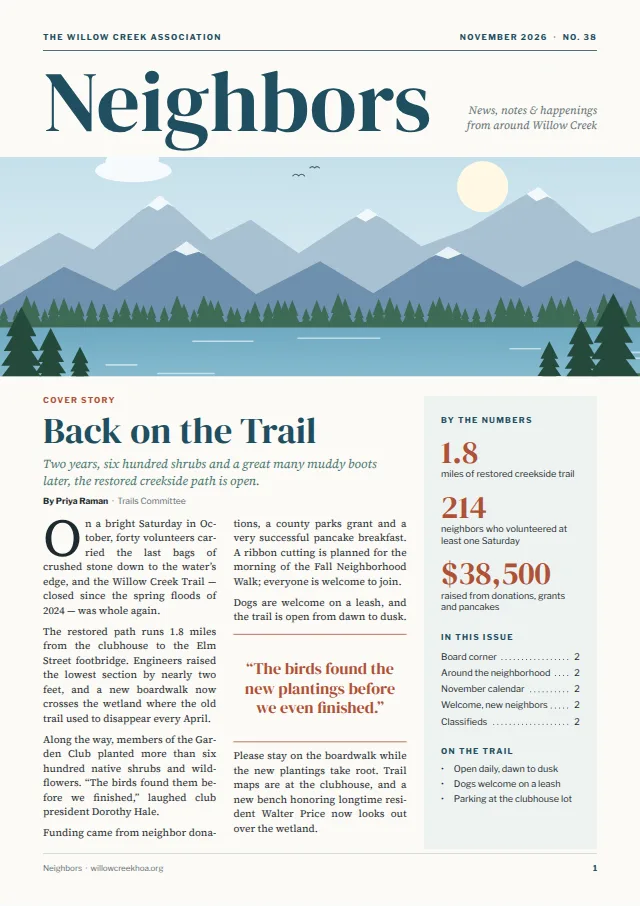
Every template is a real Acta document: change the words and pictures, keep the design. Made for parishes, schools, neighborhood associations, clubs and small businesses.
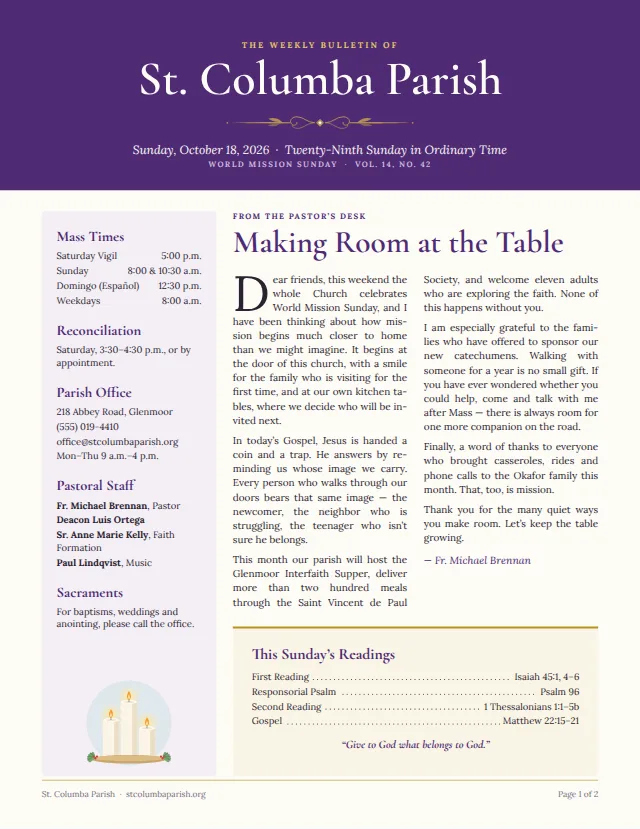
Parish Bulletin
Bulletin
Neighborhood Monthly
Newsletter
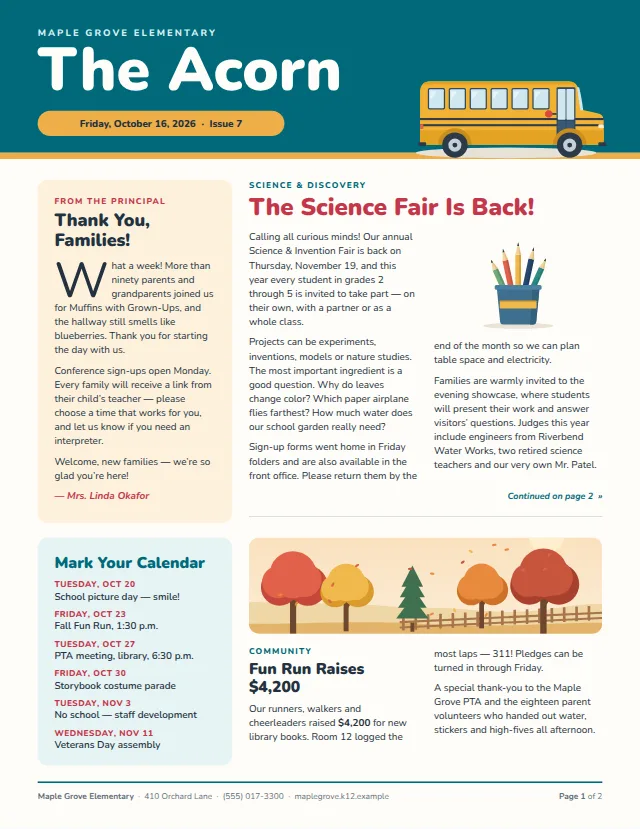
School Weekly
Newsletter

Event Poster
Flyer
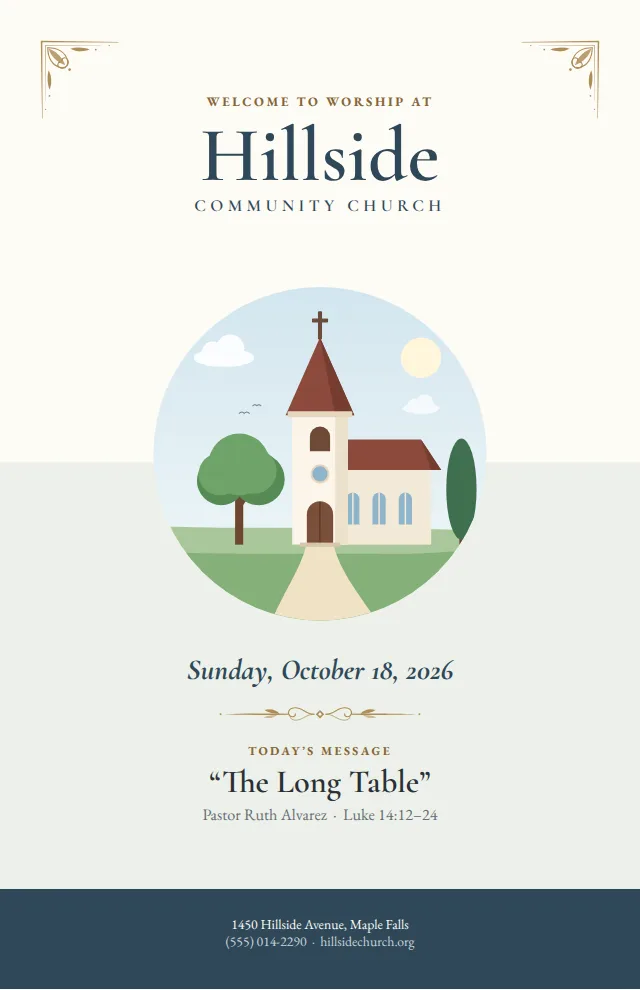
Sunday Bulletin Booklet
Bulletin
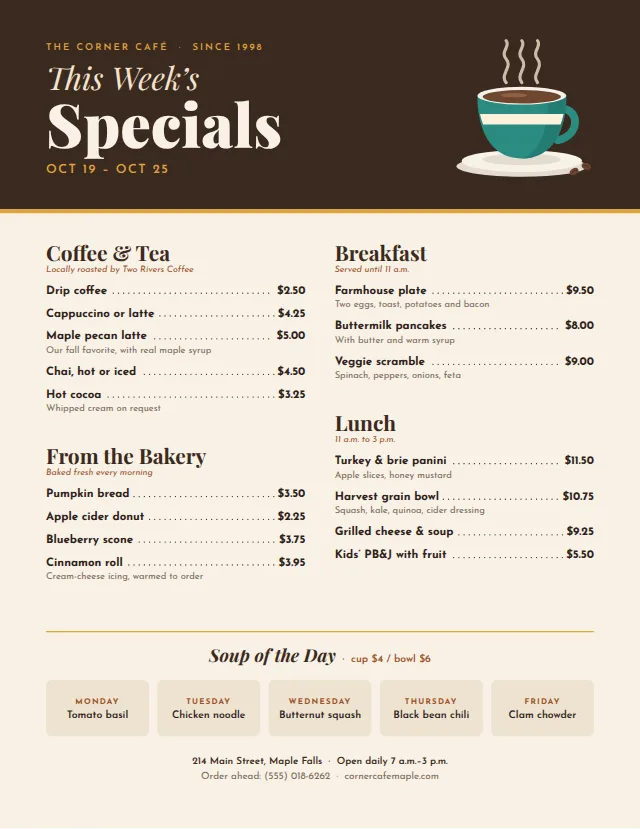
Café Menu & Specials
Flyer
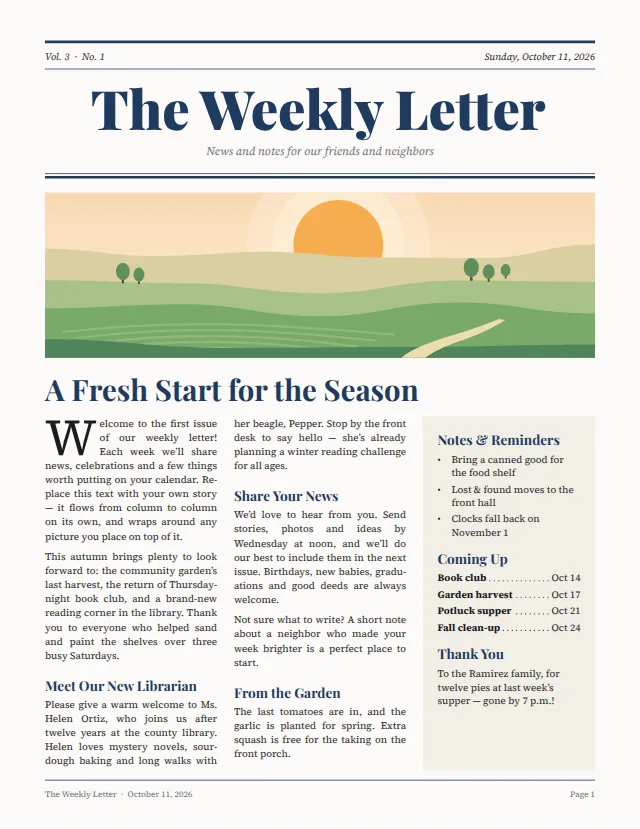
Simple Newsletter
Newsletter
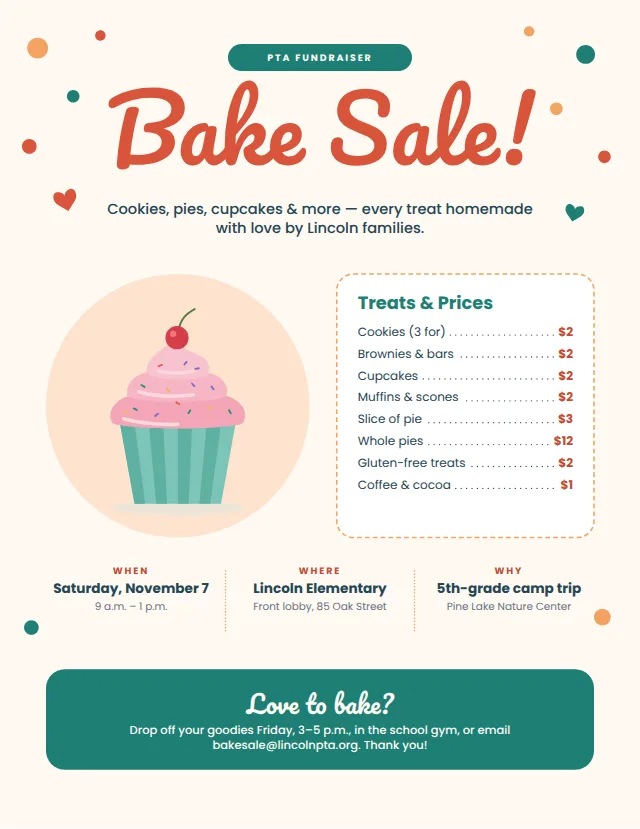
Bake Sale Flyer
Flyer
Pricing
Pay for the people who edit
Viewers are always free. Start on Free and add your team when you’re ready.
Free
For one person getting started
- One editor, and viewers
- The full editor, Publisher, Word and PDF import, print-ready PDFs
- 10 documents
- 500 MB of pictures and files
- 3 pages on the web, with “Made with Acta”
- 7 days of version history
Pro
For teamsper editor a yearper editor a month
- Everything in Free, for a whole team
- Edit together, live
- Unlimited documents, and pages on the web without Acta’s name
- 10 GB of pictures and files per editor
- Brand kits: colours, fonts and styles
- Every saved version
Organization
per editor a yearper editor a month, or by contract
- Everything in Pro, for every team of a parish, school or office
- An admin console: people, teams, roles and policies
- Verified domains: the organization manages its accounts
- An audit log of who did what
- Invoices and negotiated contracts for larger groups
Acta isn’t charging yet. Until paid plans open, every workspace has everything listed here, free.
Prices in US dollars, plus any sales tax or VAT.
Questions
Good to know
Do I need to install anything?
No. Acta runs in your web browser (Chrome, Edge, Firefox or Safari) on Windows, Mac, Linux or a Chromebook. Your work is saved as you go, and you can pick it up from any computer.
Can Acta replace Microsoft Publisher?
For bulletins, newsletters, flyers and booklets, yes. Microsoft retired Publisher in October 2026. Acta has the layout tools Publisher users rely on: text boxes that flow from one to the next, columns, text wrapped around pictures, and styles. It opens your .pub files, and because it runs in the browser it works on a Mac or a Chromebook too, with your whole team in the same document. Moving from Publisher shows what comes across and what doesn’t.
Can I bring my Publisher, Word and PDF files?
Yes. Choose Import and pick a Publisher (.pub), Word (.docx, .dotx, .docm) or PDF file, and it becomes an Acta document you can edit. Publisher files bring their pages, text boxes, pictures and shapes; Word files their pictures, tables, text boxes, headers and footers; PDFs their pages as they were, with the text as editable text boxes. Older picture formats (WMF, EMF, TIFF) are converted. Where something can’t come across exactly, Acta tells you what it changed.
Who counts as an editor?
Anyone who can change a workspace’s documents: its owners and editors. Viewers open, read and download for free. In an organization, a person counts once, however many of its teams they edit in.
Can a print shop use the PDF?
Acta’s PDFs embed every font and place every line exactly where it is on screen, so they print the way they look. Colours are RGB, which office printers and most print shops accept.
Can several people really edit at once?
Yes. Everyone with access sees the others’ changes as they type, and where each of them is working. Viewers can follow along without being able to change anything, and earlier versions stay in the history.
Where is my work kept, and can I take it with me?
Acta runs on Cloudflare, which keeps its database and files in eastern North America. Download my data, under Account settings, gives you a copy of everything in your workspace. The privacy page says what Acta keeps and why.
Make your next issue in Acta
Free for one editor. Bring your team when you’re ready.